How to digitalise your body shop: a complete step-by-step guide
Digitalising a body shop is no longer just for large groups. Whether you run an independent workshop, an insurer-approved body shop or a multi-site network, going digital changes your day-to-day in practical ways: less paper, fewer calls, higher productivity and a better customer experience. This guide explains how to digitalise your body shop, step by step.


The management software built for automotive aftersales.
Why digitalise your body shop in 2026?
Customer expectations have changed profoundly: they want real-time updates, to approve documents online and to stop calling the workshop to find out where their car is. At the same time, work providers (insurers, leasing companies, fleet managers) demand full traceability and accurate reporting.
A workshop still running on Excel files, sticky notes and phone calls loses time, makes more mistakes and ends up losing customers. Digitalising body shop management tackles both issues at once: smoother days for the team and meeting partners’ requirements. Here is how to do it, in seven steps.
Step 1. Digitalise bookings and claim intake
The first practical step is to replace the paper diary with online booking. It covers two separate flows: private customers, who book from the website or via a text link, and insurers’ claim notifications and work requests, received and centralised automatically.
With Carform, both channels arrive in the same interface: the workshop no longer has to juggle email, phone and a paper diary.
- Online booking 24/7, with no phone call
- Insurer work requests received automatically
- All requests centralised in one tool
- Automatic reminders sent to the customer before the appointment
Step 2. Digitalise vehicle check-in
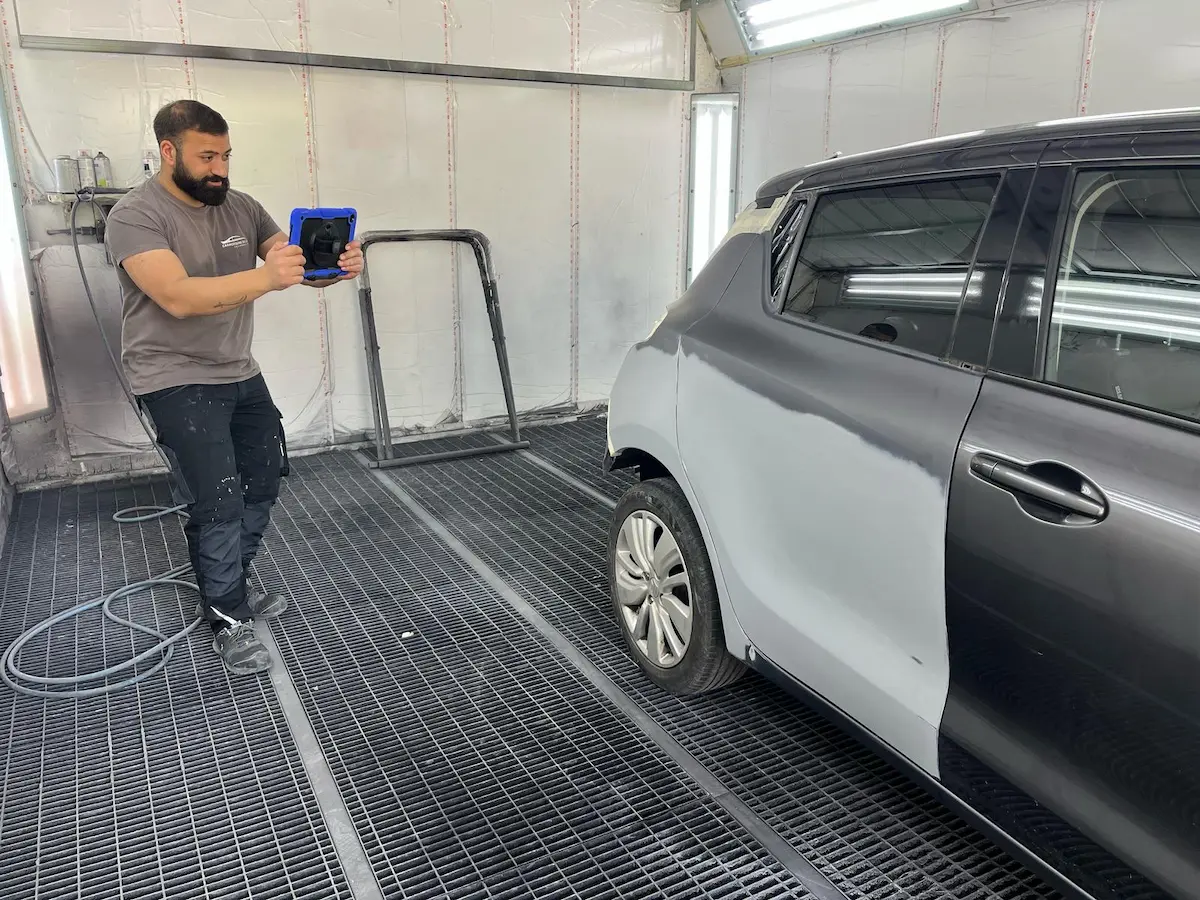
Digital check-in replaces the paper report with a walk-around on a tablet: time-stamped photos, an inspection checklist and a documented condition report. The customer signs the approval directly on the tablet, and no paper changes hands.
It is one of the most visible steps for the customer: they leave knowing their car has been checked in properly and that everything is recorded.
Step 3. Create and sign the repair order online
The repair order is the central document of any body shop. With Carform, it is created directly from the claim file or the booking, automatically pulling in the estimate data (Audatex, GT Motive and others). The customer views it on their smartphone and approves it online, with no printing or trip to the workshop.
Real-time exchanges between the office and the customer mean additional work can be approved straight away, without waiting for a call back.
- Repair order created in a few clicks from the claim file
- Integration with existing estimating software
- Online approval from any device
- Full traceability of approvals and changes
Step 4. Manage parts orders from the software
Parts management is one of the main causes of delay in a body shop. A connected tool lets you order parts directly from the job file, track their status in real time and get an alert when a delivery is late.
The result: fewer cars off the road waiting for parts, fewer calls to suppliers and better schedule planning.
Step 5. Schedule and track workshop activity in real time
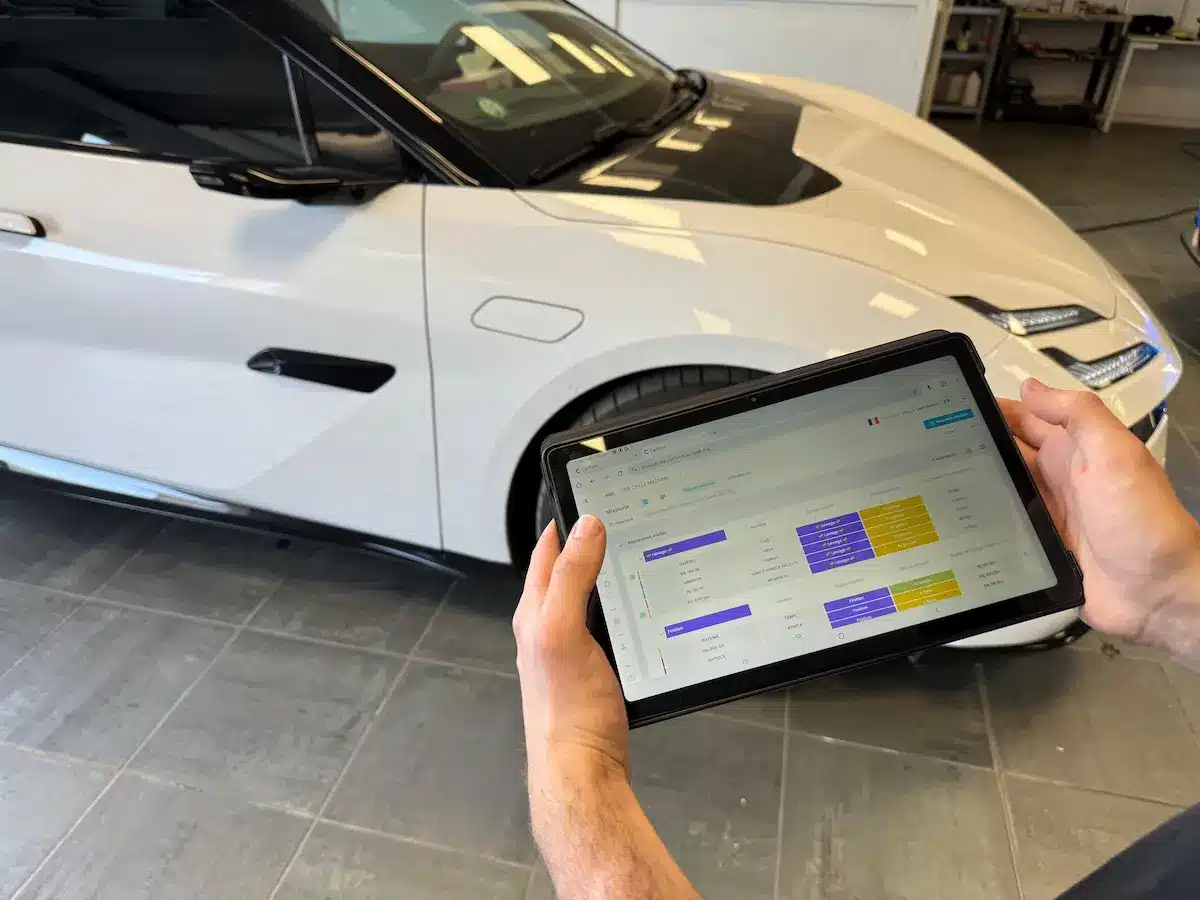
A digital schedule synchronises technicians’ diaries, customer appointments and workshop availability in real time. Every team member sees the jobs assigned to them, their status and the day’s priorities. The manager sees the overall workload, anticipates peaks and adjusts resources: no more Excel schedules that are out of date by 10am.
Step 6. Digitalise customer communication
At every key stage (check-in, work started, waiting for parts, work finished, handover), Carform automatically sends the customer a text or email, and they follow their car’s progress from a secure link, without creating an account. Fewer incoming calls and happier customers.
Step 7. Manage workshop performance with key indicators
What gets measured gets improved. Occupancy rate, average repair time, customer satisfaction, profitability by type of claim: management software brings these indicators together in a real-time dashboard.
The manager can then spot bottlenecks, late jobs and the most profitable work, and make decisions based on data rather than gut feeling.
What are the 7 steps to digitalise a body shop?
Digitalising your body shop means linking seven consistent building blocks: online booking and claim intake, digital vehicle check-in, repair orders approved online, parts orders tracked from the job file, a schedule synchronised in real time, automated customer updates and KPI-based management. Together, they turn a workshop under pressure into a smooth, traceable and profitable operation.
The good news: there is no need to switch everything at once. You move step by step, starting with the quickest wins. That is exactly what our body shop management software does: it digitalises your workshop end to end, from booking to handover.
Digitalise your body shop end to end, from booking to handover
Request a demoFAQ: digitalising a body shop
Answers to the questions body shop professionals ask most